CTRL + K / ⌘ + K - Open Search
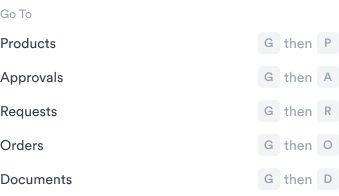
Hit CTRL + K (or CMD (⌘) + K on a Mac) and it will open the search modal. You can search for anything - a document, a product, a PO number. See more use cases on this page.Go to a page
Jump quickly to a table view of Products, Requests or Orders. HitG then another key to navigate straight there - without touching your mouse.
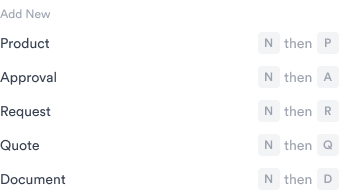
Add a new item
Create a new Product, Approval, Request or Quote instantly. HitN then another key to open the ‘create’ page.