

Preview: Approved Material Page
Preview: Approved Material Page
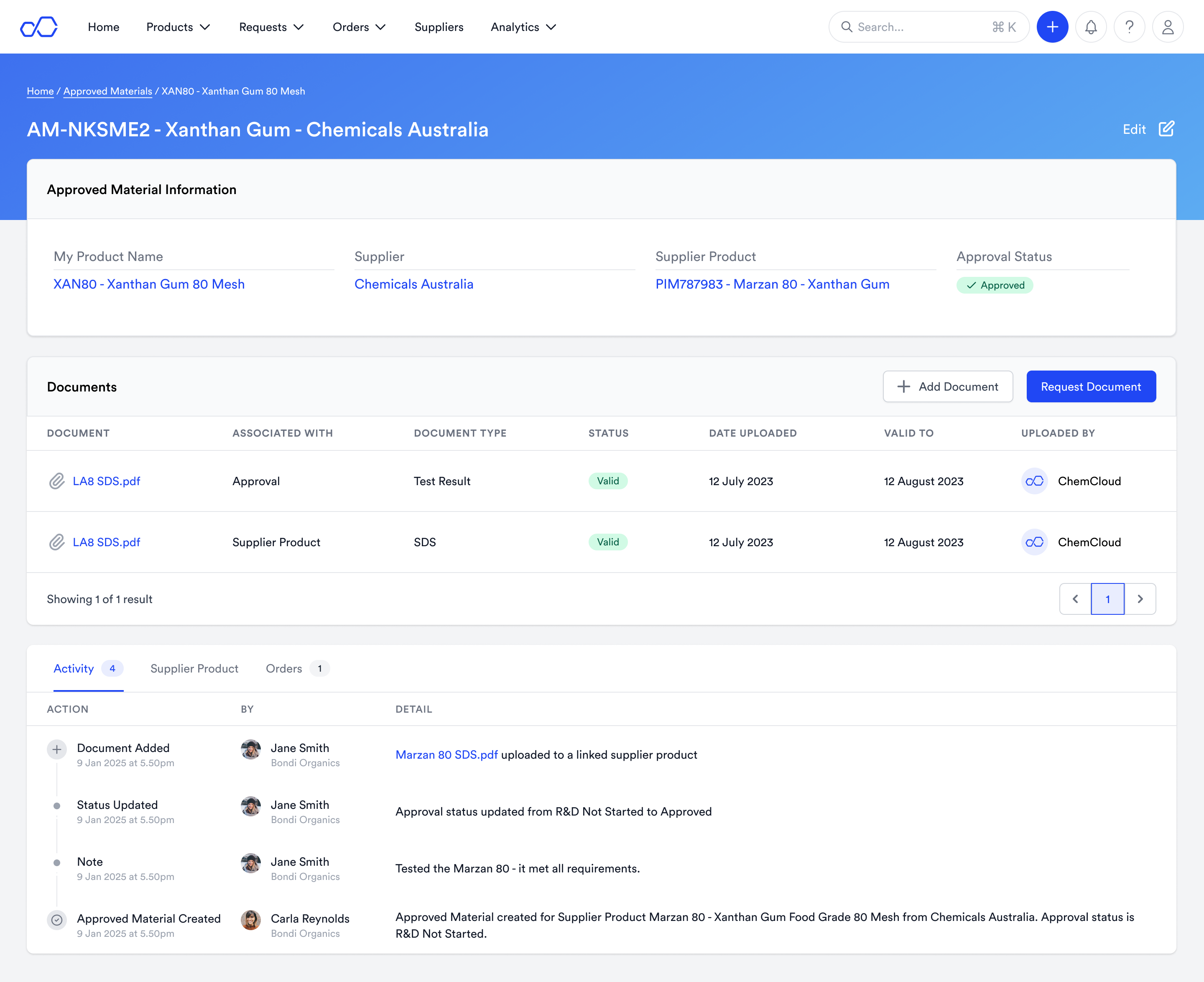
An approved material links your raw material codes to a supplier’s product
An Approval is a way of linking a buyer’s concept of a Product (which has its own unique Raw Material code) and a Supplier’s product. An Approval has statuses which track the approval process:R&D Not Started, R&D In Progress, Approved, Purchased, Preferred, Not Approved.
Track the status of approvals, and store notes and documents against them
The status of an approval is tracked in the activity items. Users can leave notes and mention colleagues (to notify them) when communicating about the status of an approval. Users can upload documents (like internal management of change documents) against the approval.Store detailed information about the supplier’s product
Detailed information which can be stored at the Supplier Product level:- Supplier’s product details: Supplier Product Code, Supplier Product name
- Manufacturer details: Manufacturer, Brand, Brand name
- Product details: Inci Name, CAS, Grade, Physical State, Purity, Product Certifications
- Documents: SDS, Spec and multiple other documents
Approved material information is linked throughout ChemCloud
- Products: View your Approved Materials on a Product Page
- RFQs: When you start an RFQ, your request will be sent to your approved suppliers by default
- Analytics: Analyse where you lack approved materials on the Sourcing Analytics page