

Overview
The Raw Materials Sharing feature allows you to selectively share your sourcing portfolio with account managers. You maintain complete control over what information is shared and with whom. Access the sharing controls in the supplier profile here.How does visibility work
Complete Control
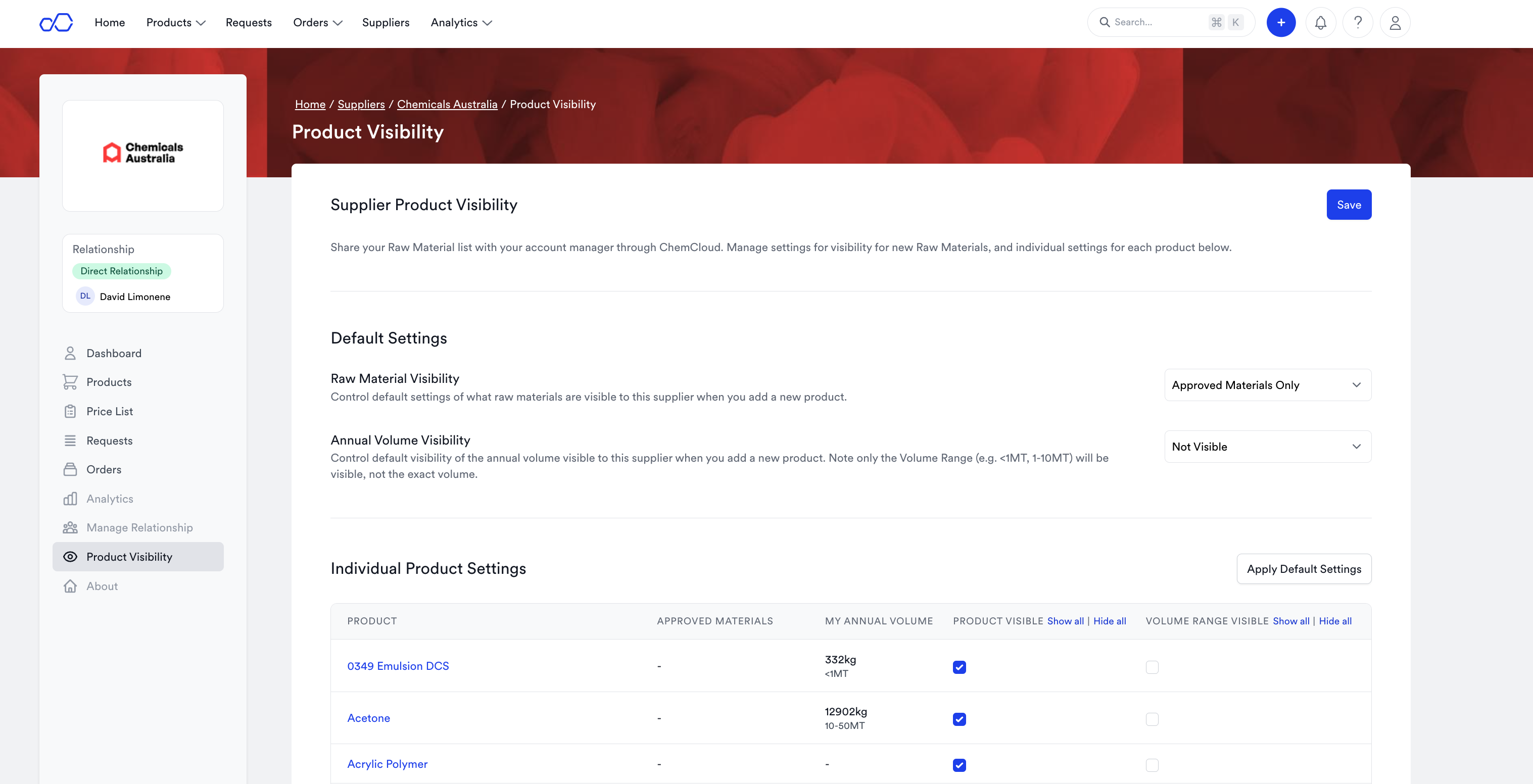
You have full control over what you share with account managers. You can share two pieces of information:- The Raw Materials you source
- The Annual Volume for each raw material (bucketed in volume ‘ranges’ of <1MT, 1-10MT, 10-50MT)
Default settings
You can also apply default settings that apply to each new raw material you add.What do the settings look like?
What do the settings look like?
What does it look like to an account manager
An account manager will be able to see the same information you see, in their ChemCloud portal. A supplier must have a ChemCloud account to access the information. For each Raw Material you make ‘visible’ they can see:- Your Raw Material Name
- The Annual Volume you use each year (if you mark it as visible). Note this is only in a ‘range’
- Any linked approved materials that they sell you